siteSPARK · free with every plan
A website in an afternoon. No code. No fuss.
Pick a designer-made template, drag the pieces around until it looks like you, and hit publish. siteSPARK is the drag-and-drop builder bundled with every 2MHost plan, and you can open the real editor right now.
- No sign-up
- No credit card
- Opens in your browser
Kick the tyres first
Try it like a customer, without becoming one.
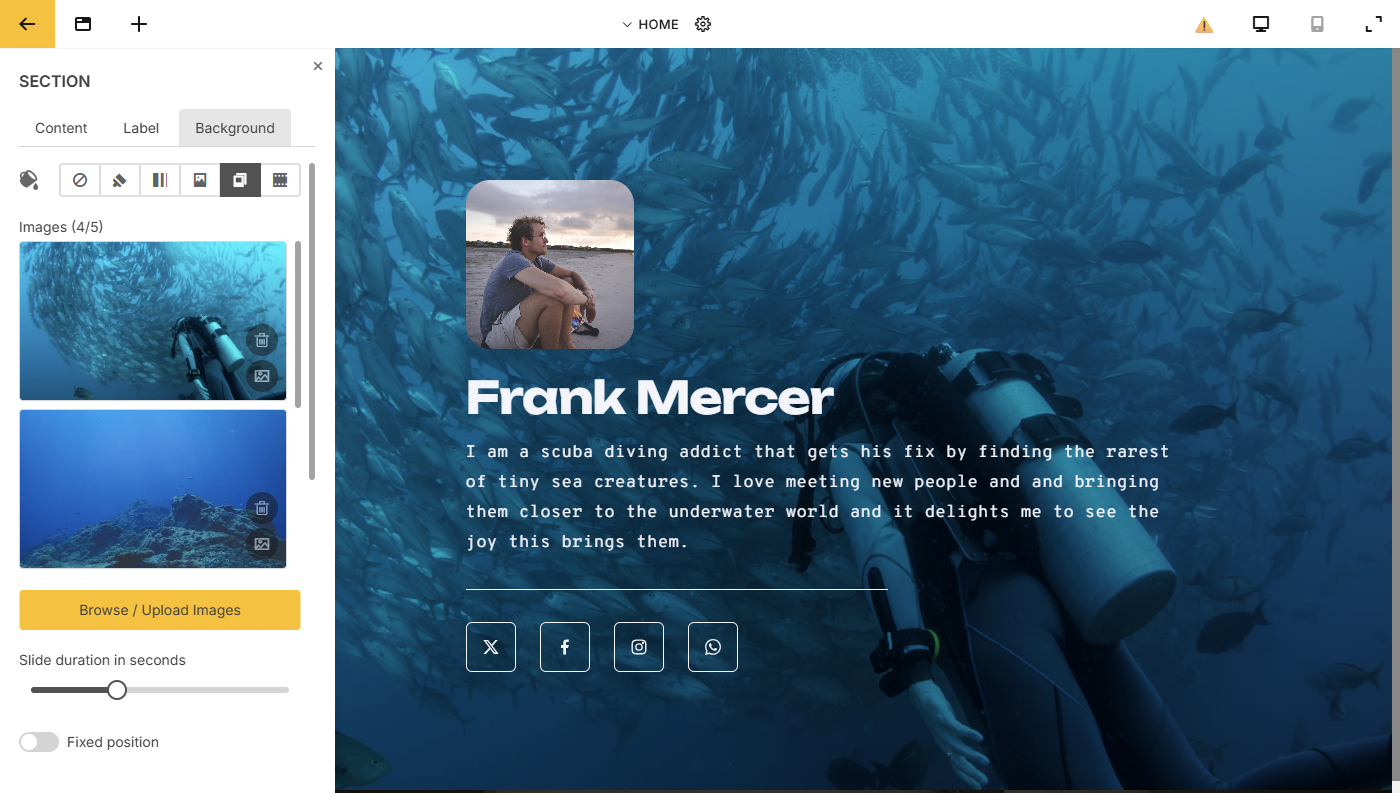
The live builder is the genuine siteSPARK editor, not a video or a guided tour. Open it, drag things around, swap photos, change colours. Close the tab and nothing follows you.
- No sign-up
- No email, no name, no “verify your account” loop. Click and you’re in the editor.
- No credit card
- Nothing to enter, nothing billed later.
The trial costs exactly zero. - Nothing to install
- It runs in the browser you already have open. No download, no plugin.
How it works
Four moves. Roughly an afternoon.
Pick a starting point, make it yours, drop in whatever it needs, and publish. The hosting is already running, so your site goes live the moment you’re done.
Step 01
~5 min
Pick a starting point.
Browse designer-made templates by what they’re for: portfolio, restaurant, business card, events, real estate. Start from a real layout, not a blank page.
Step 02
~30 min
Make it yours.
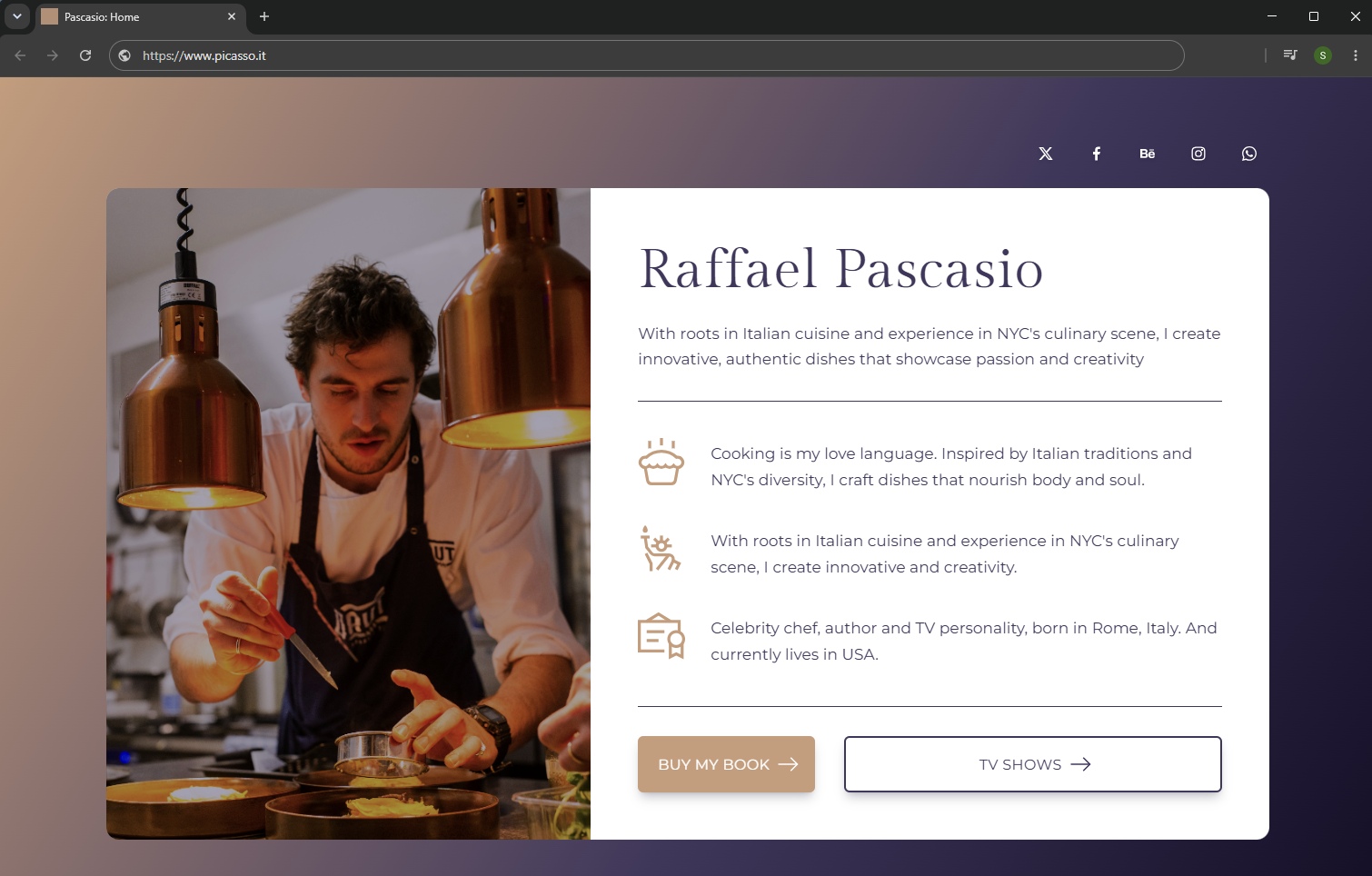
Double-click any text to rewrite it. Swap the background, dial the opacity, add a parallax effect. Every panel is right there the moment you select something.
Step 03
To taste
Drop in whatever it needs.
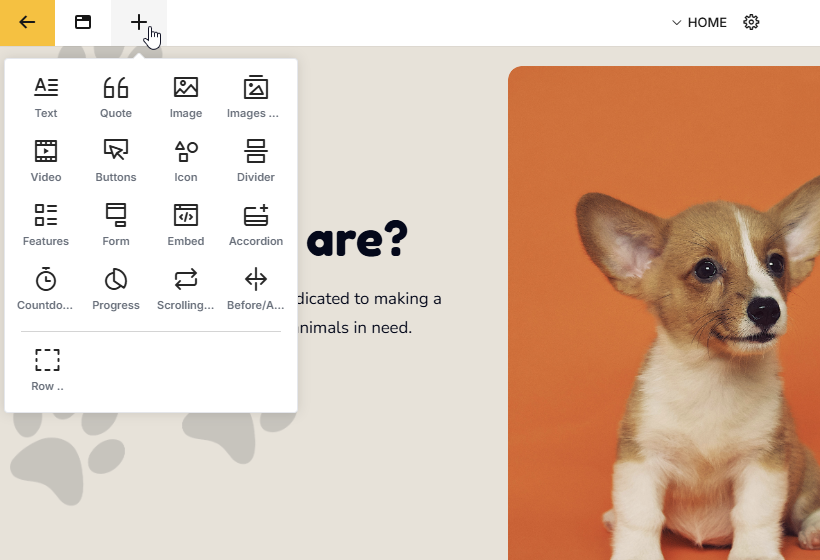
Galleries, videos, forms, maps, buttons, accordions, countdowns, before/after sliders. Pick a block from the menu and drag it into place.
Step 04
LivePublish in one click.
Hosting is already running, so there’s no FTP or DNS step to deal with. Hit publish and your domain serves the new site within seconds.
Times are typical for a single-page site. Step 02 is the one that takes longest. Everything else is mostly waiting for your coffee.
Inside the editor
The hard parts are already handled.
Colour theory, stock photography, responsive breakpoints: the stuff that usually sends people to a freelancer is built into the panels.
Site-wide styling
Restyle the whole site from one panel.
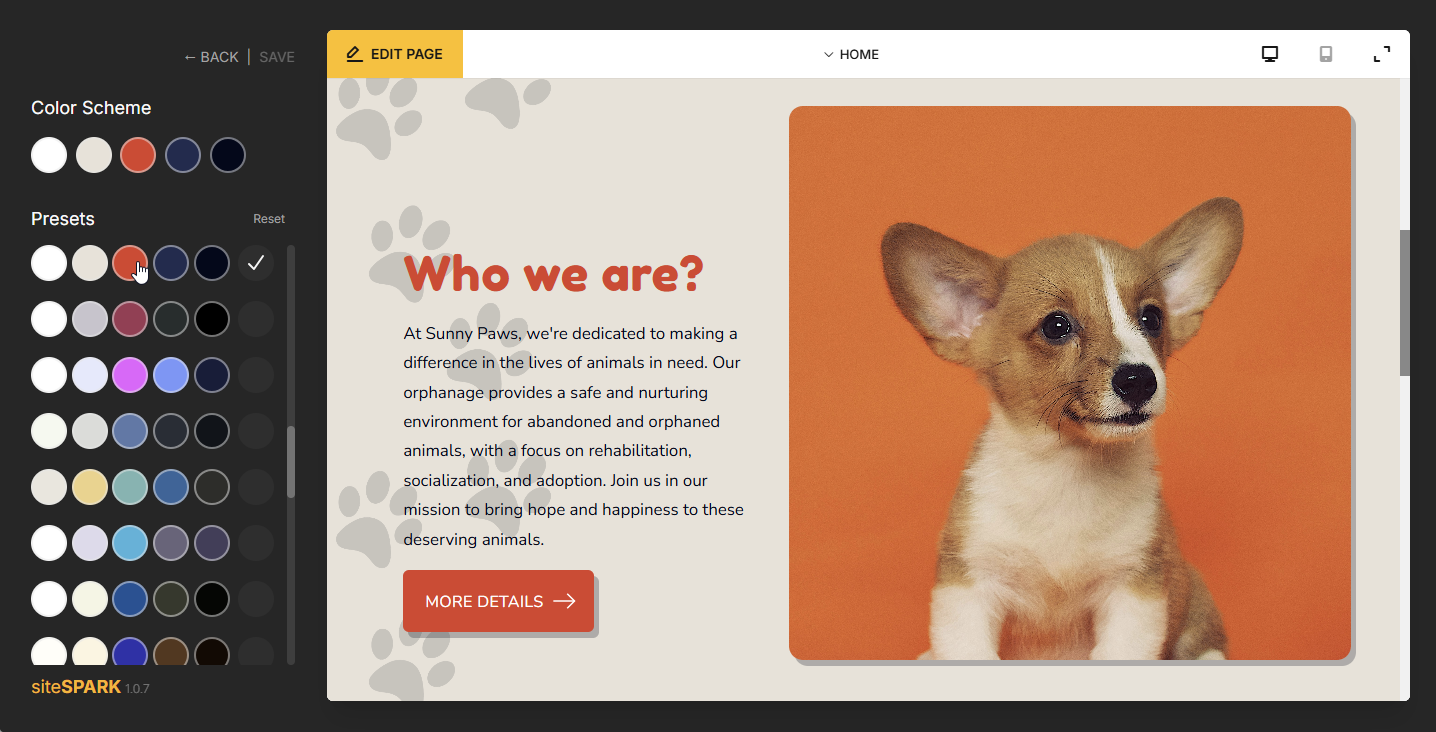
Switch colour schemes, swap designer font pairings, and dial in site-wide element styles like shadows, borders and corner radius, all from one panel. Choose once and every page updates together, no chasing hex codes around.
Free stock media
Photos, video, cut-outs.
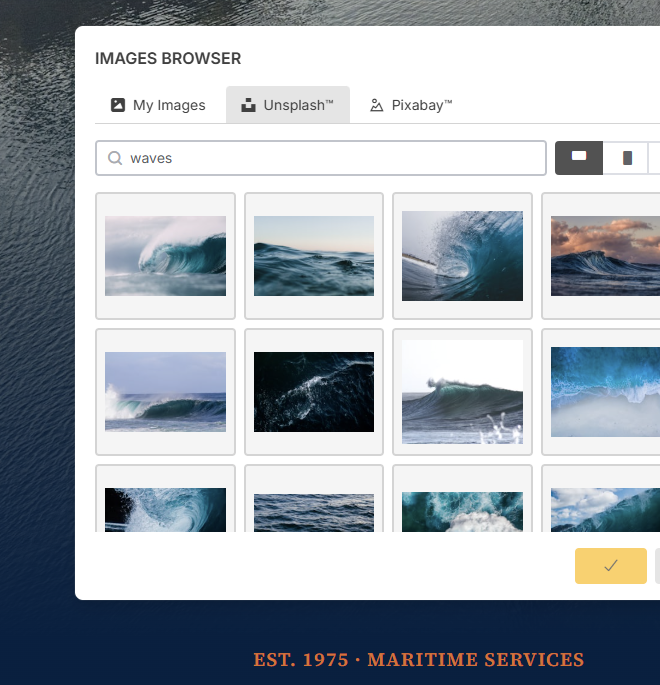
Pull free photos from Unsplash, plus video and transparent-background PNGs from Pixabay, without leaving the editor. Find one, drop it on the page. Licensing handled, nothing to download.
Content blocks
Drag in the pieces.
Galleries, video, maps, audio, forms, accordions, countdowns, before/after sliders. Pull a block off the menu and it lands where you drop it.
Responsive, automatically
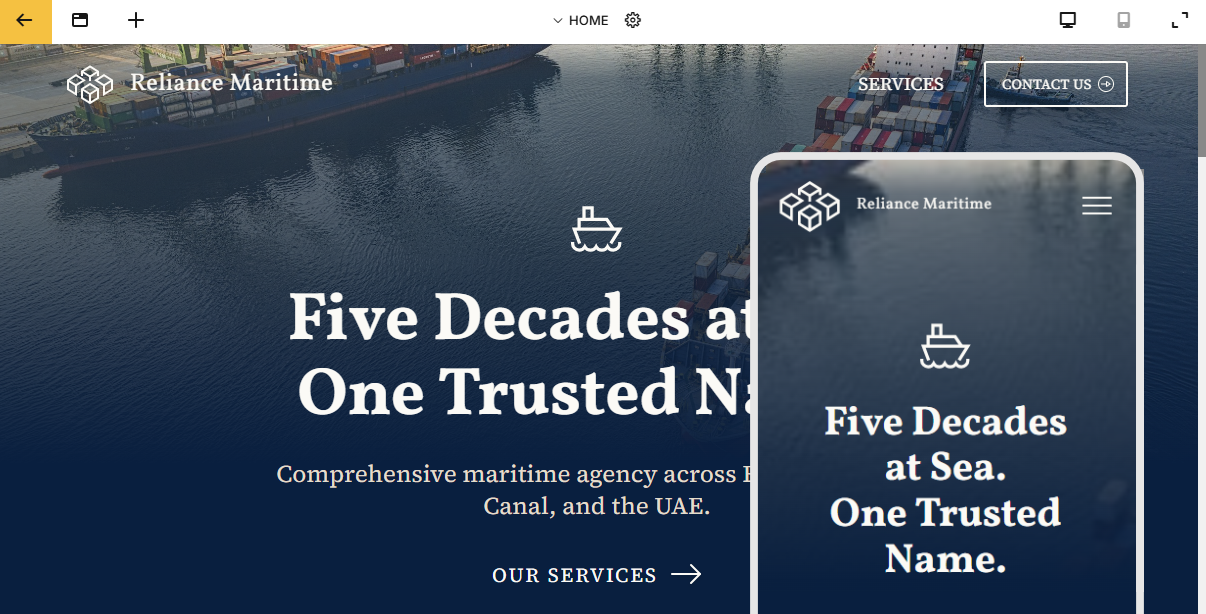
Looks right on a phone without a second design pass.
Flip between desktop, tablet and phone previews as you build. The layout reflows for each screen on its own, so one design covers all three.
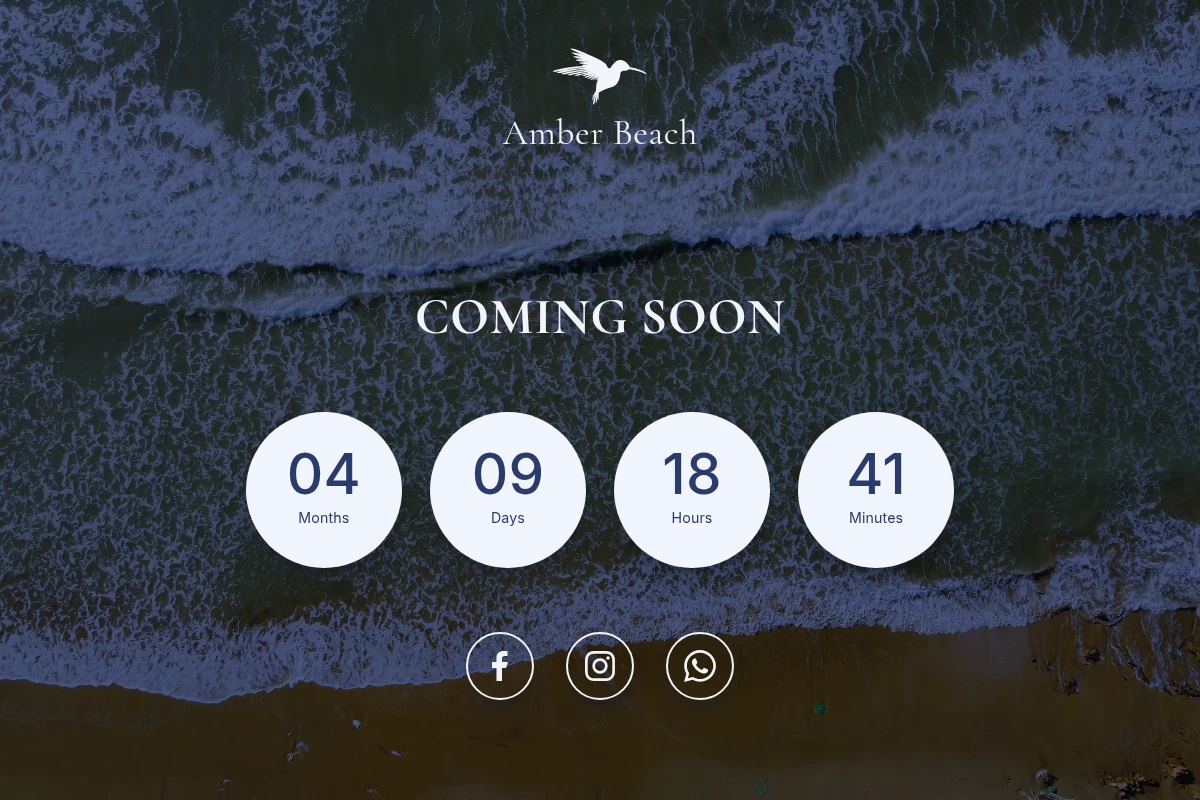
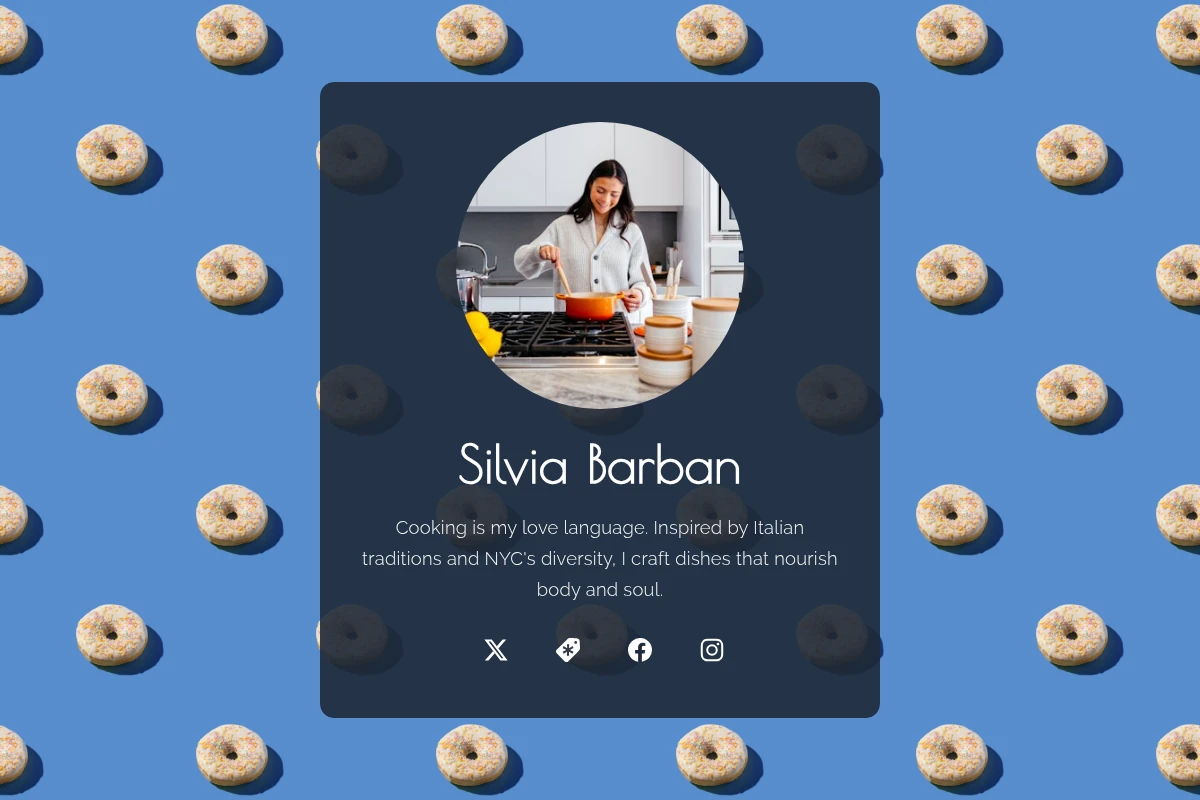
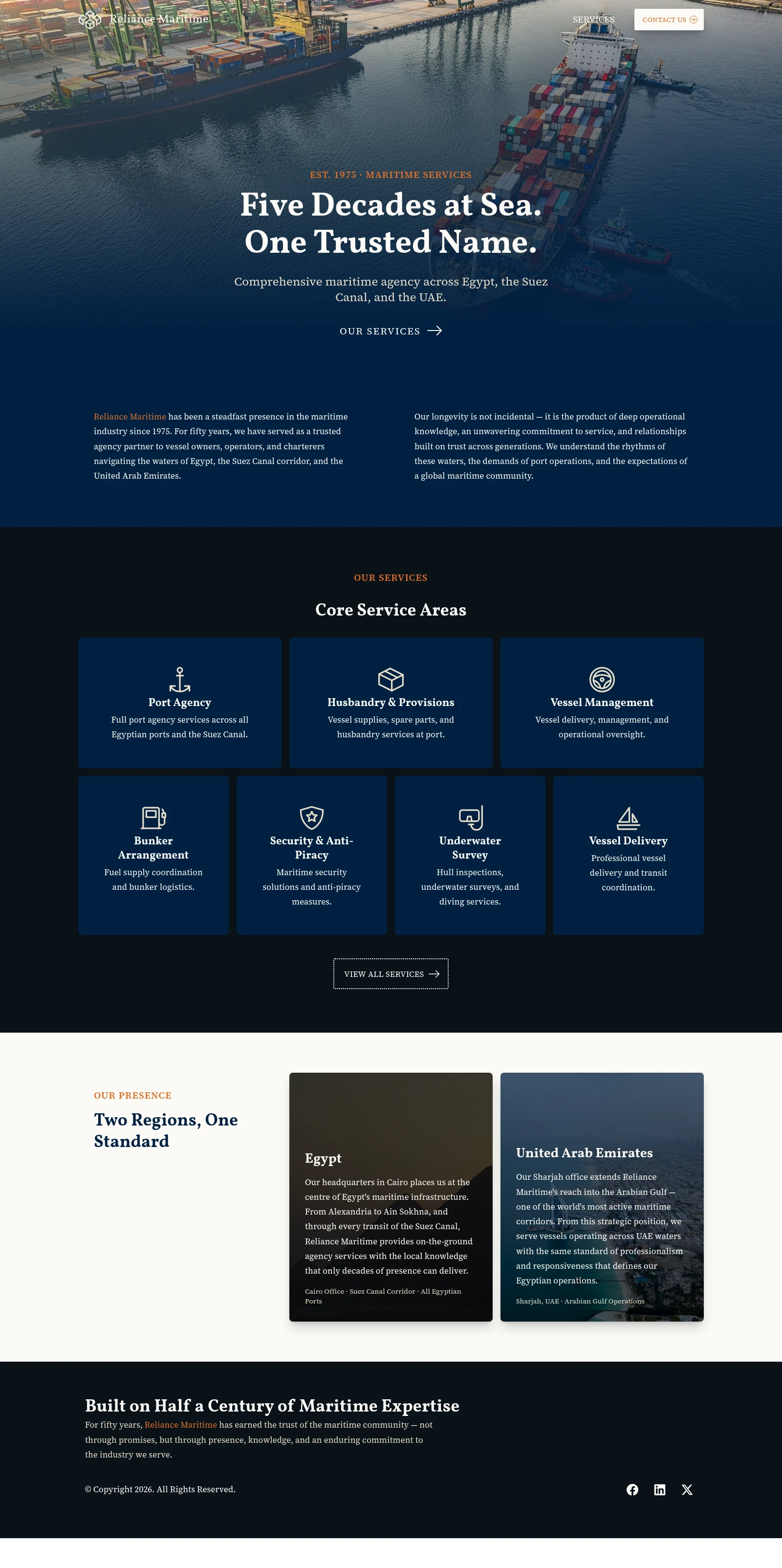
Made with siteSPARK
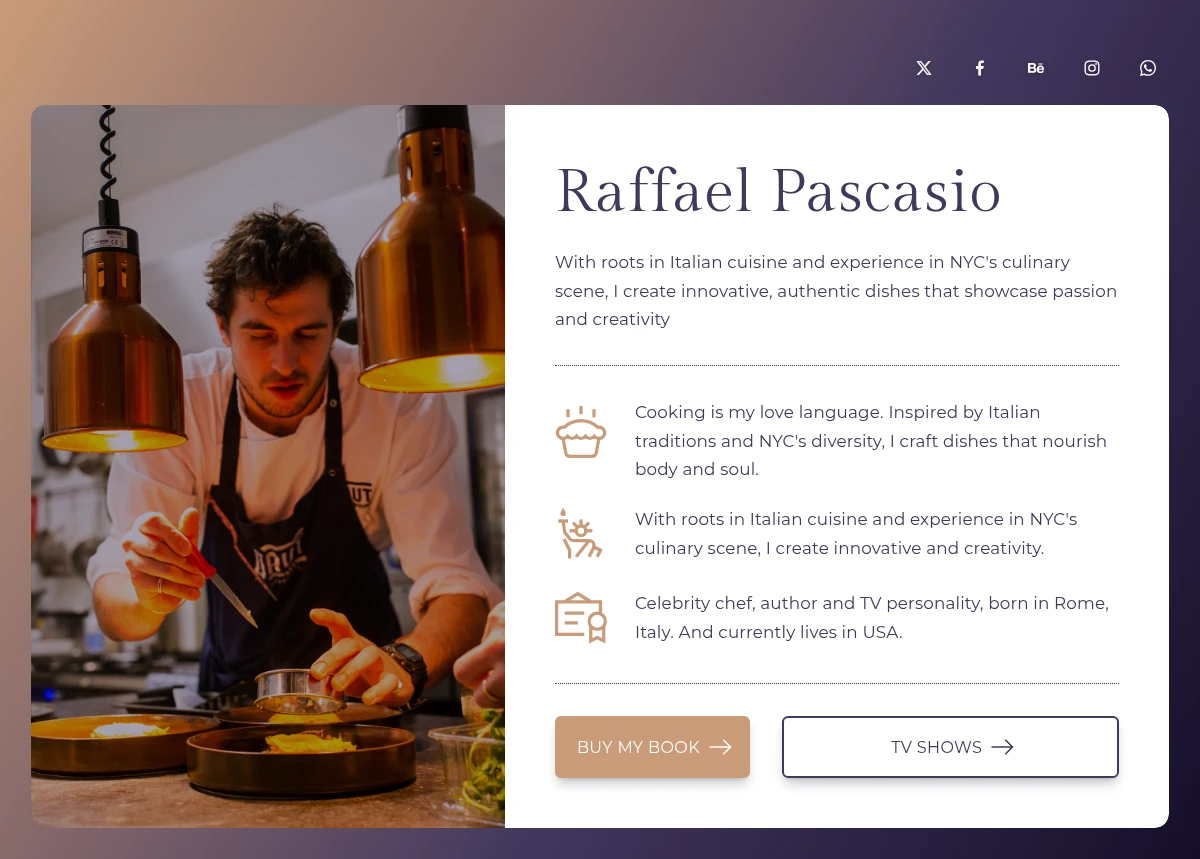
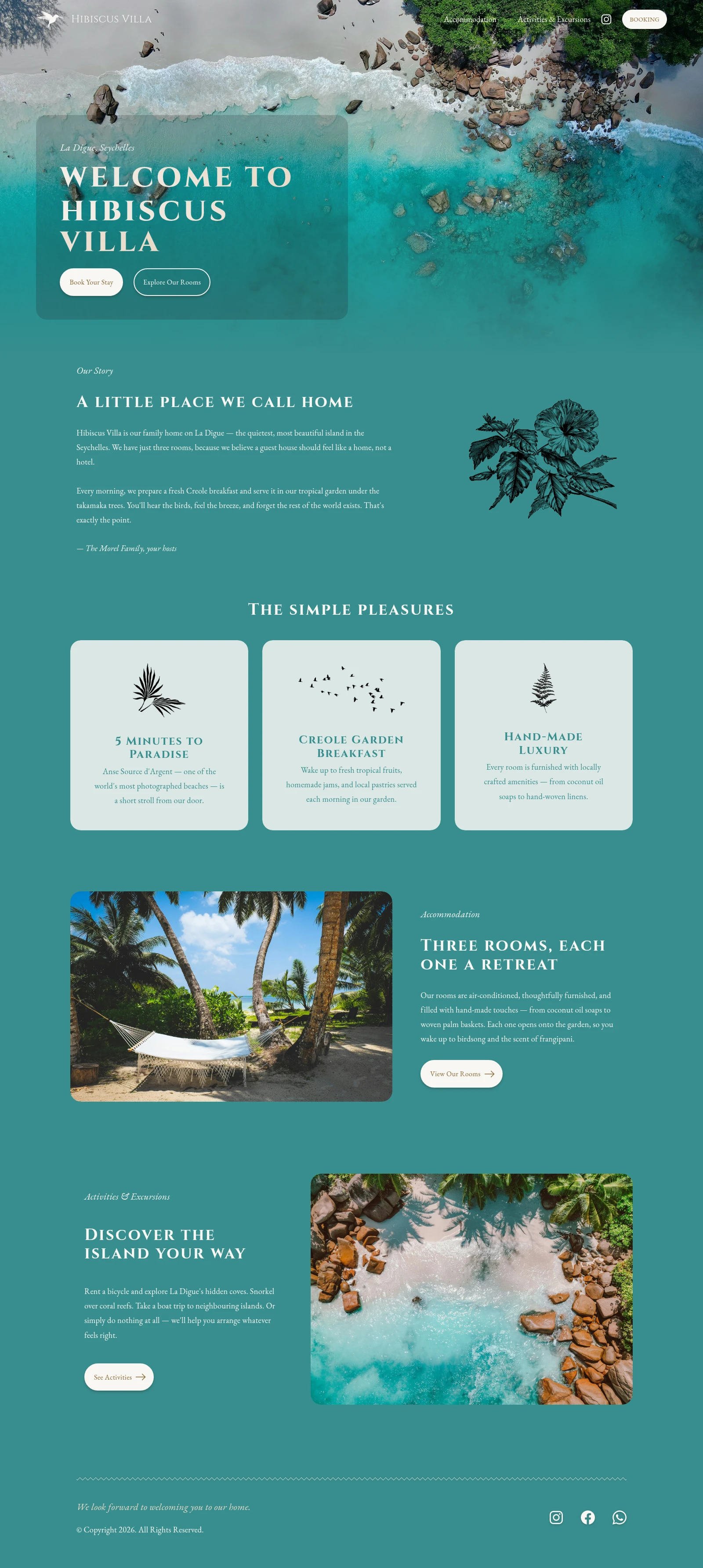
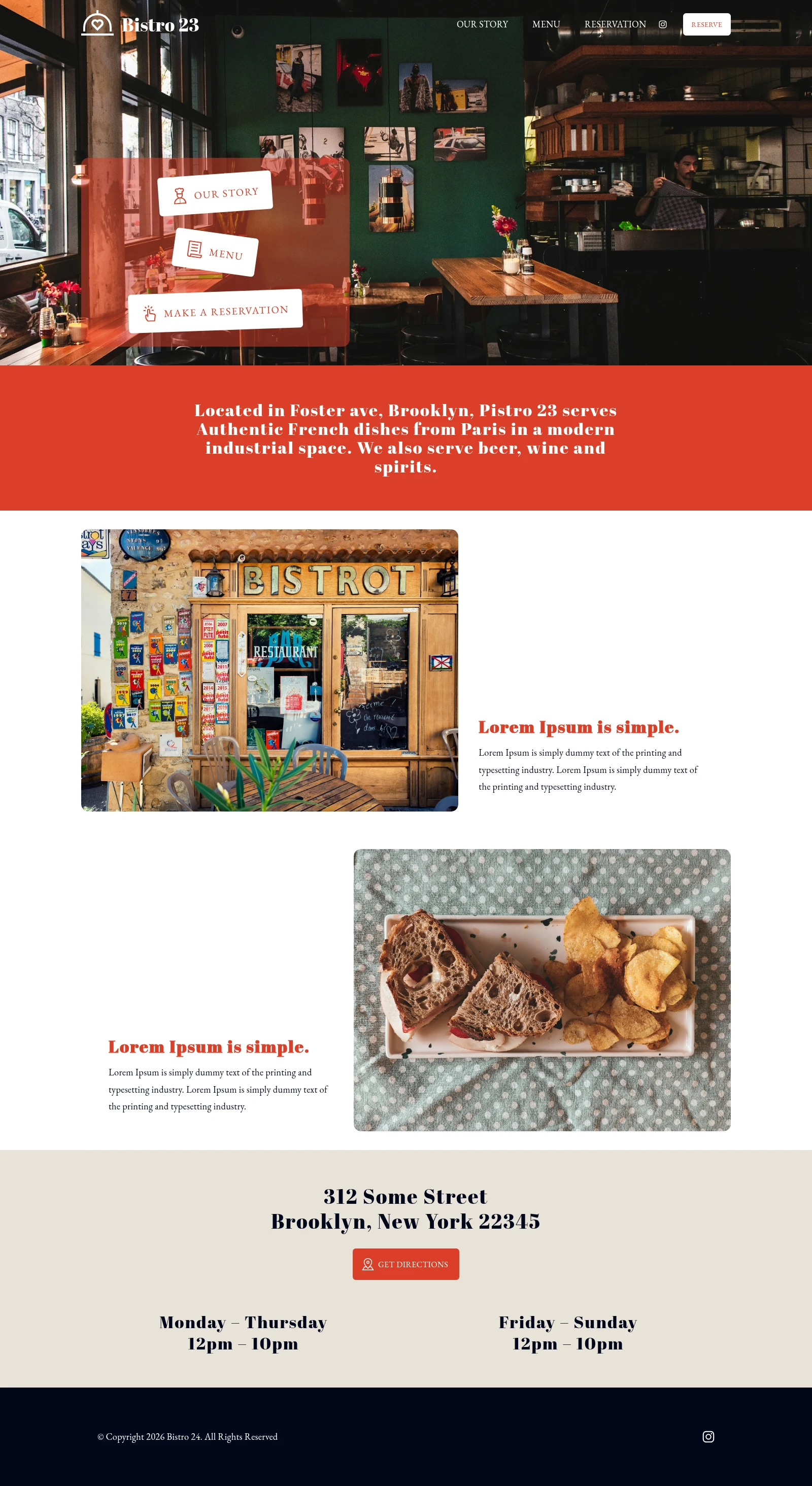
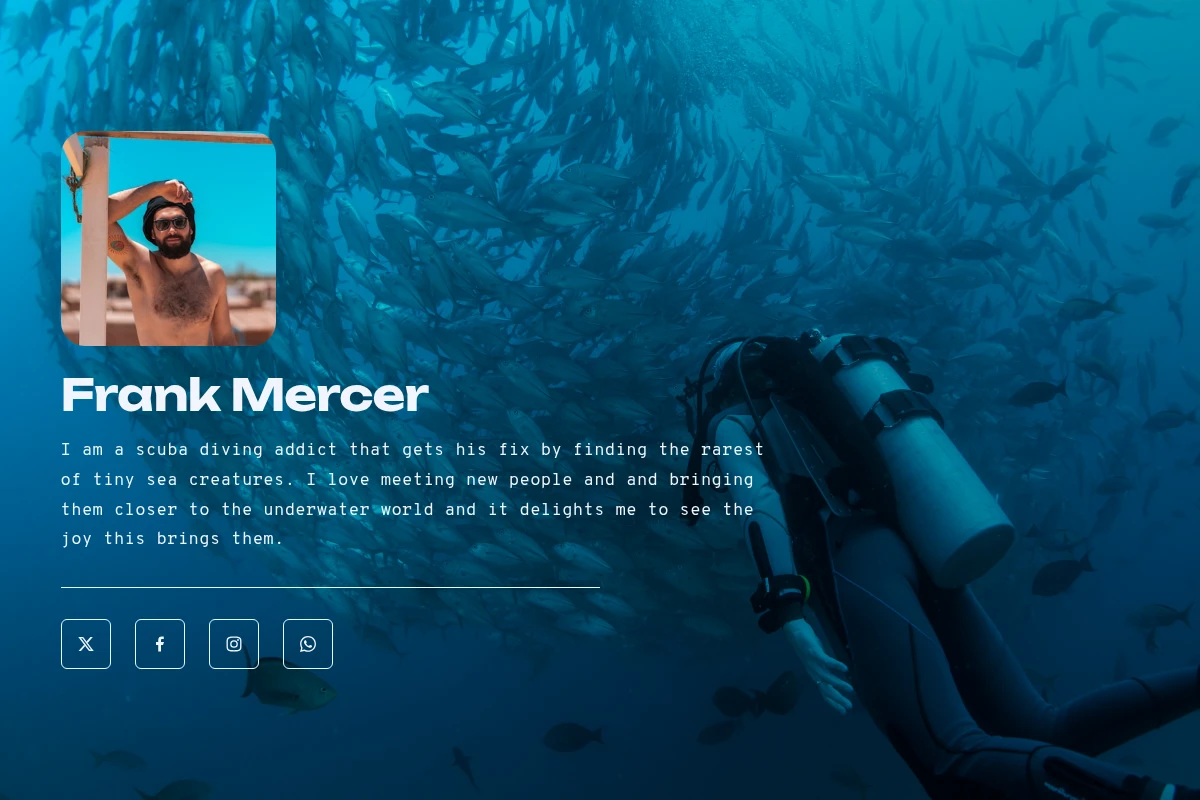
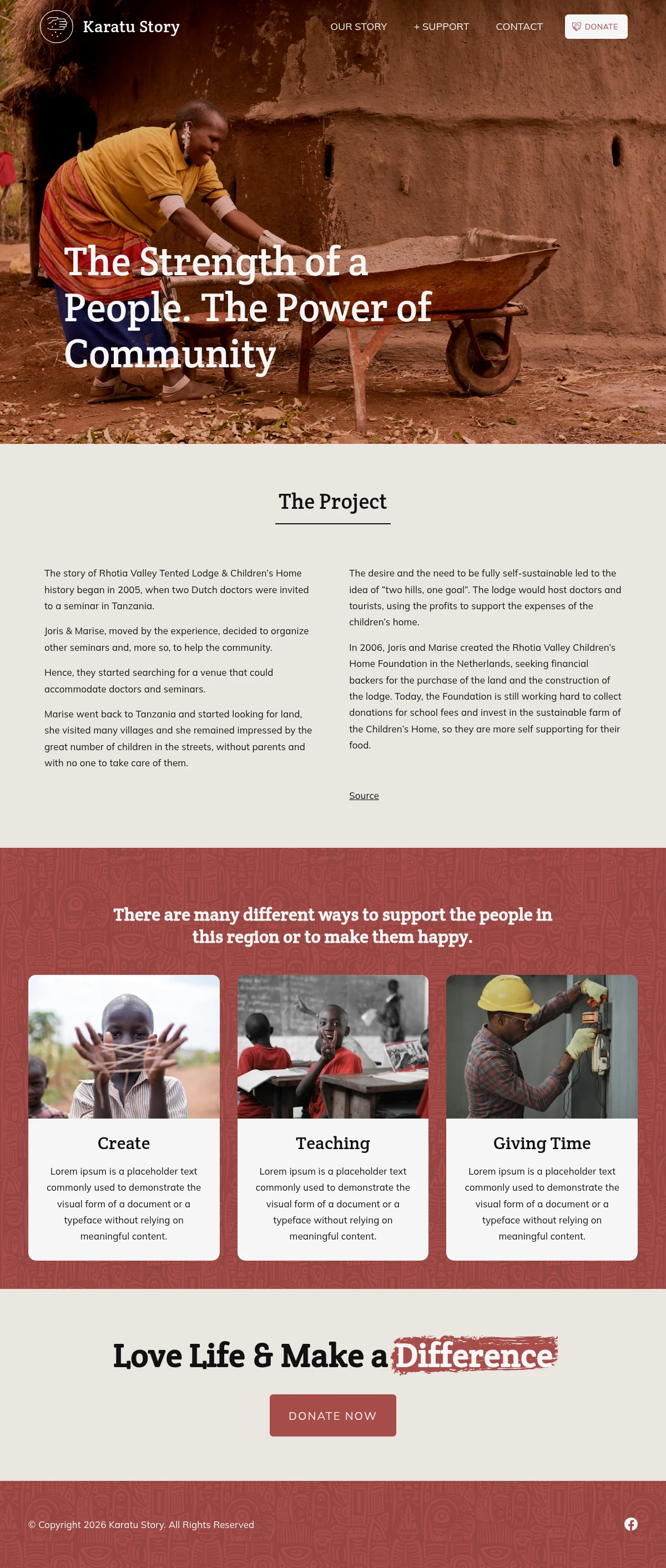
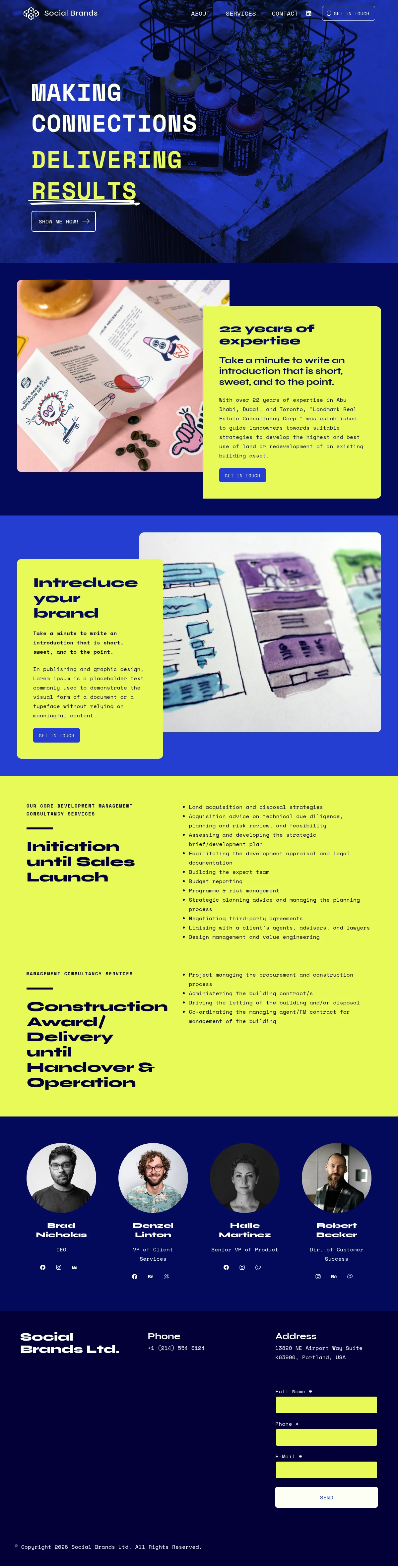
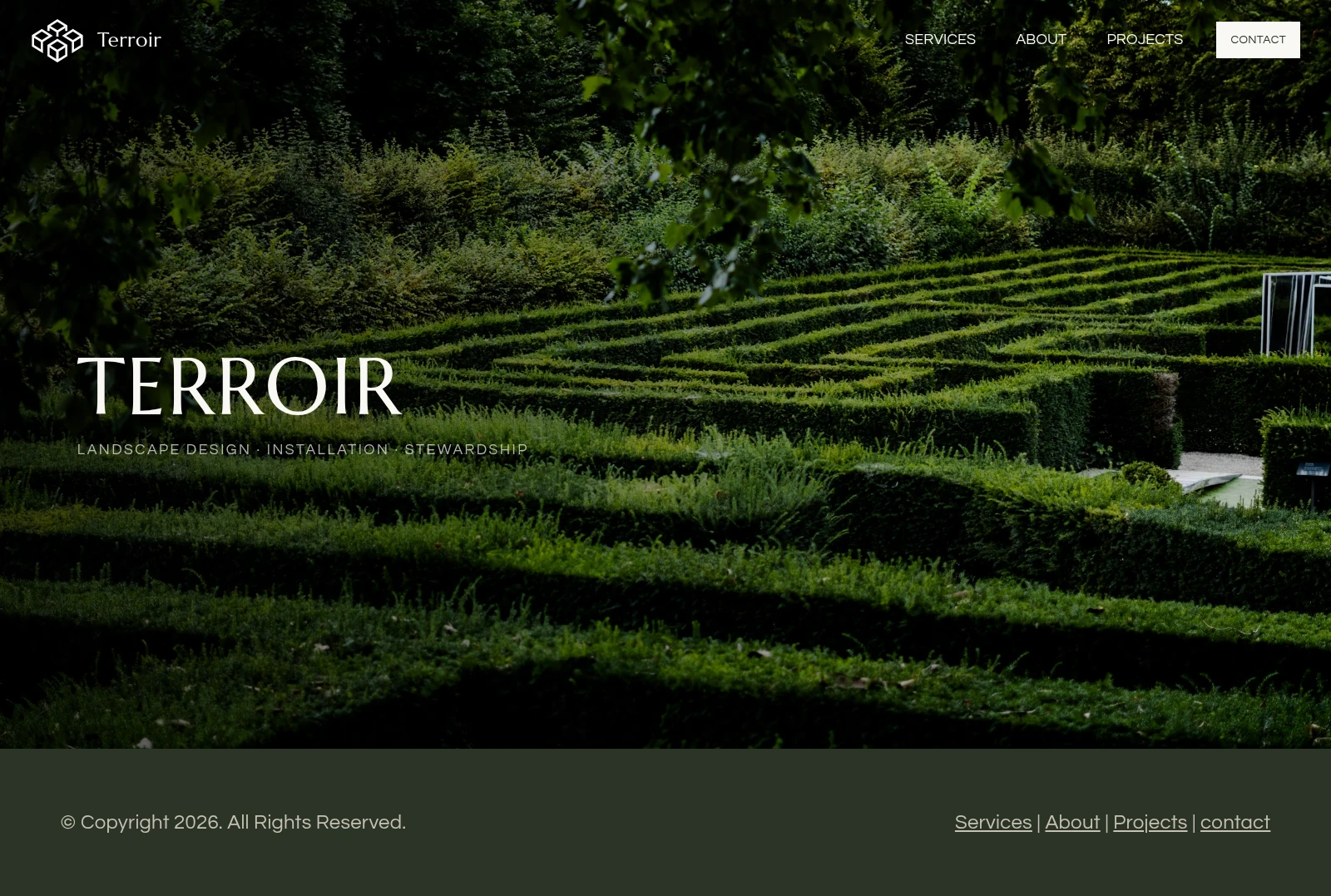
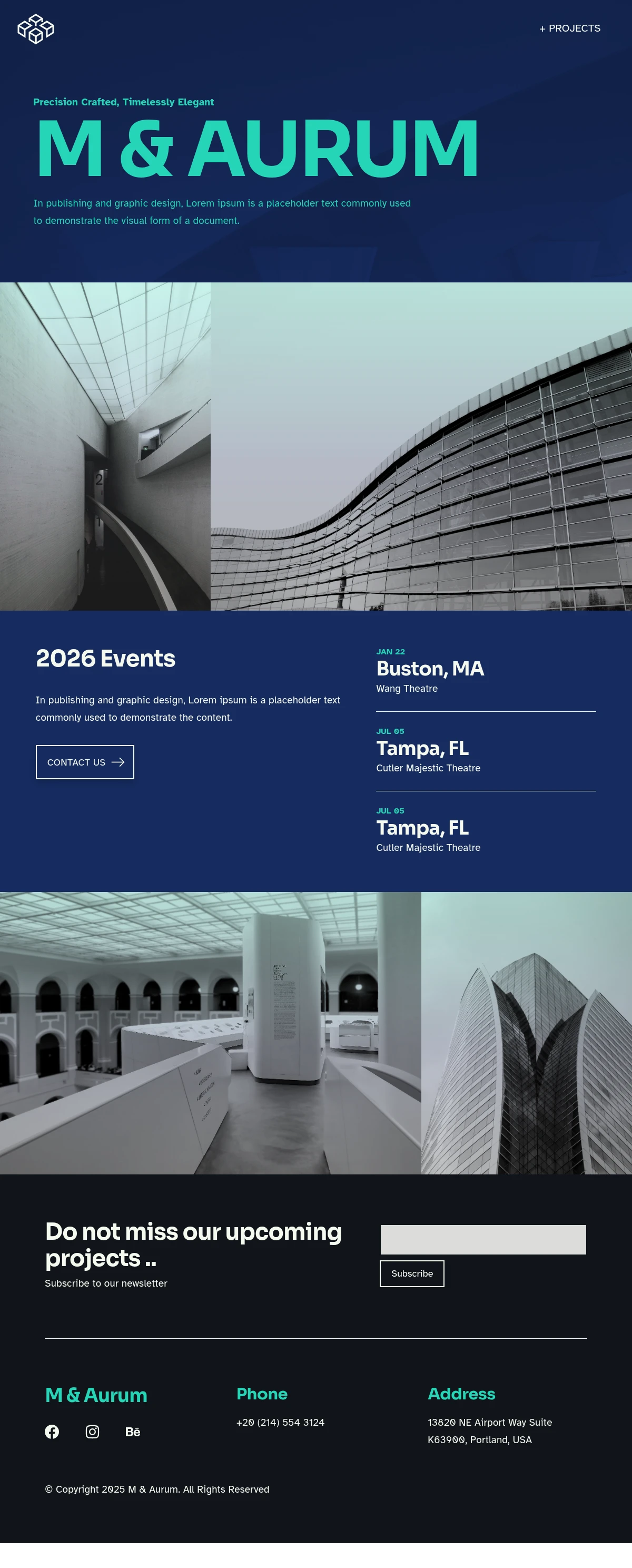
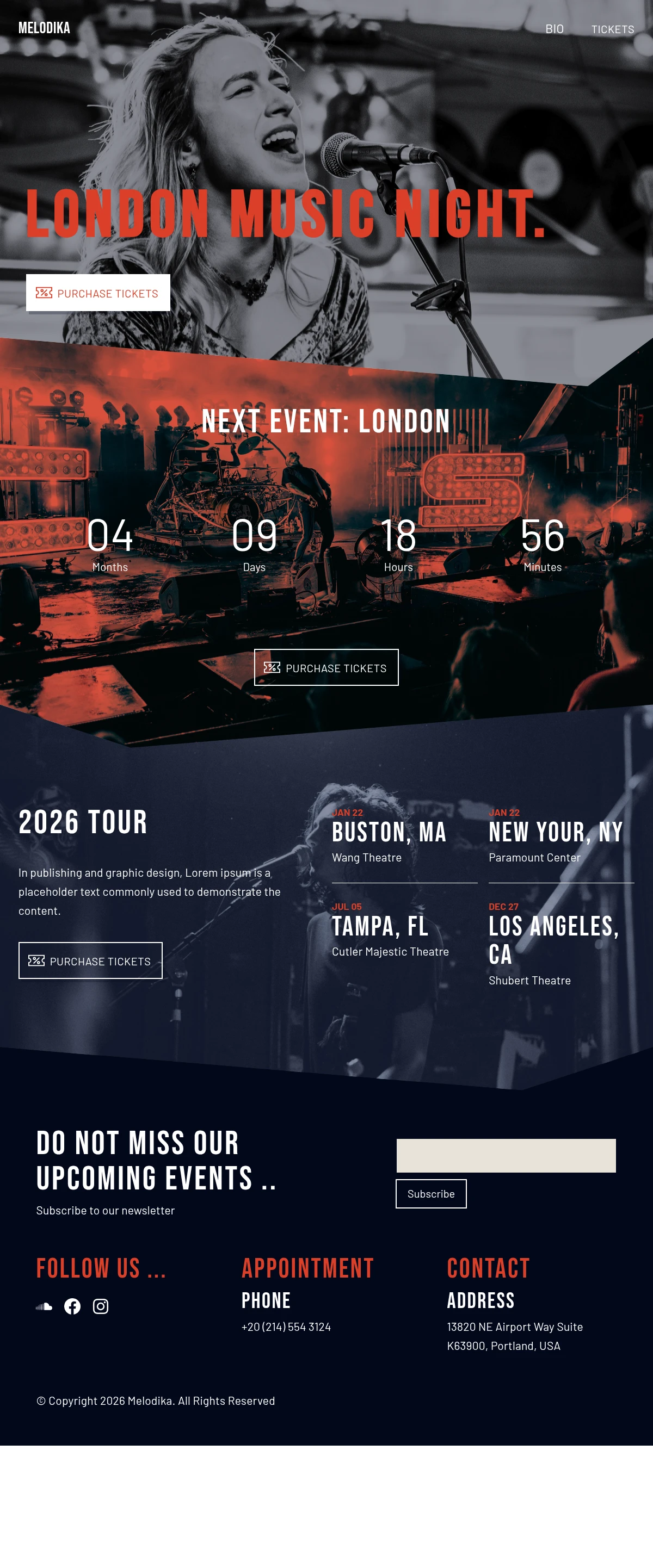
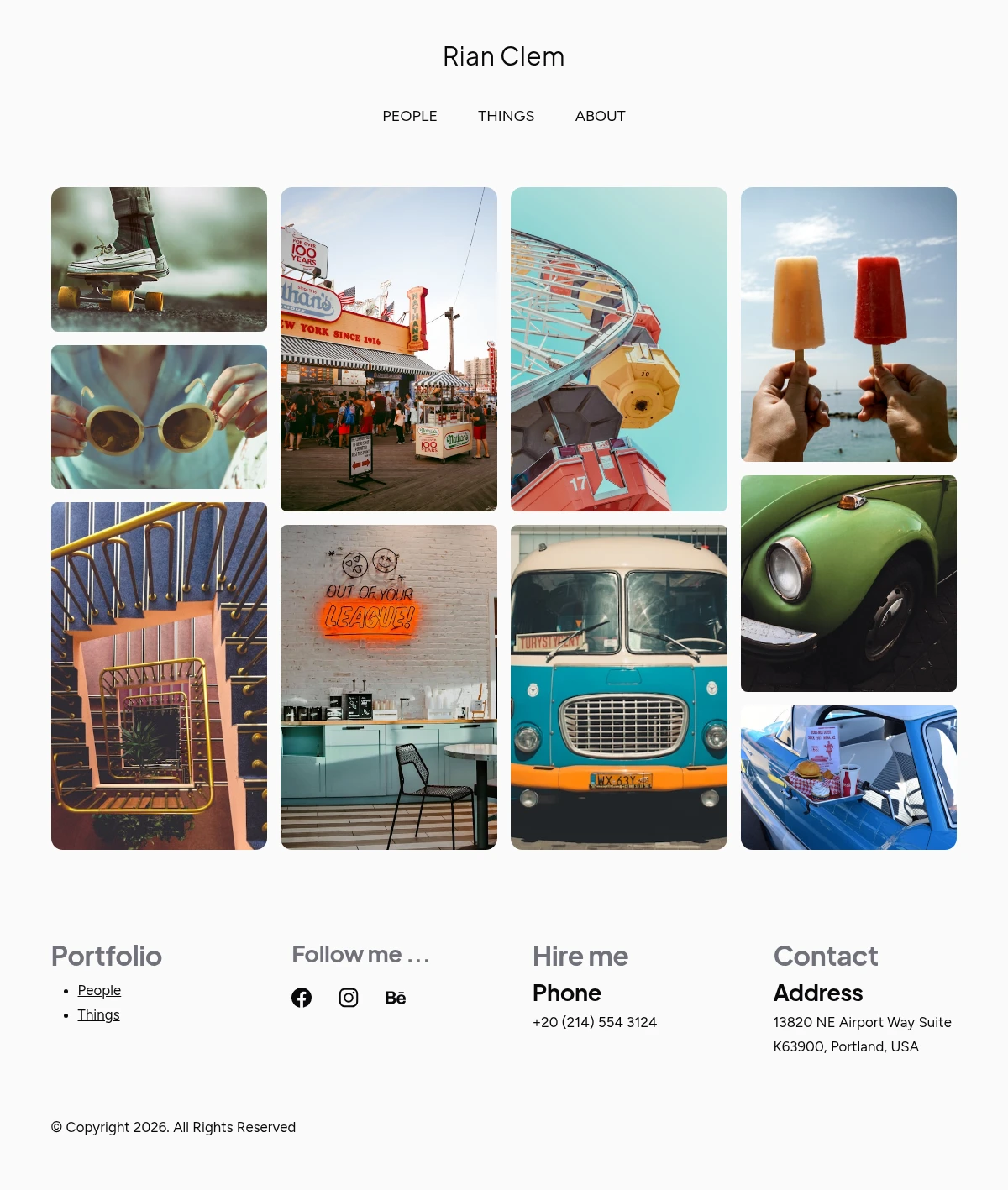
A look at what it can make.
A mix of ready-to-edit templates and example sites, all put together in siteSPARK. Open one as a starting point and make it your own.
What’s inside
Everything most sites need, none of the parts you’d never use.
The features people actually reach for, packed into the editor. Nothing reserved for an upgrade screen.
Sections
Designer-made sections
Restaurants, portfolios, agencies, services, events. If your idea has been built before, there’s a layout close enough to start from.
Editor
100% drag-and-drop
Move sections, resize images, recolour anything. Double-click to edit in place and the layout follows along, with no CSS or theme files to manage.
Photos & videos
Free stock photos & video built in
Search Unsplash and Pixabay from inside the editor, then drop a photo or clip straight onto the page. Licensing is handled for you.
Content blocks
Galleries, maps, video, music
Text and image blocks, Google Maps and YouTube embeds, progress bars, forms, countdowns. They all live in the block menu, ready to drag in.
Speed, built in
Fast to load, set up for you
Pages publish as flat HTML and serve from a built-in CDN at edge nodes near each visitor. Quick first paint, with the delivery already configured.
One company, end to end
siteSPARK builds it. 2MHost runs it.
The builder, the hosting, the email and the domain all live under one roof, so there’s no third party to chase when something needs fixing.
All in one place
- siteSPARK website builder, included
- Fast website hosting + CDN
- Email address @yourdomain
- Domain registration or transfer
- Free SSL on every site
No sign-up. No credit card.
Open the editor and click around.
The live builder is the real siteSPARK editor, not a demo video. Try it free, no account required. If it feels right, every 2MHost plan starts at $3.25 a month and includes the builder, the hosting and the SSL.